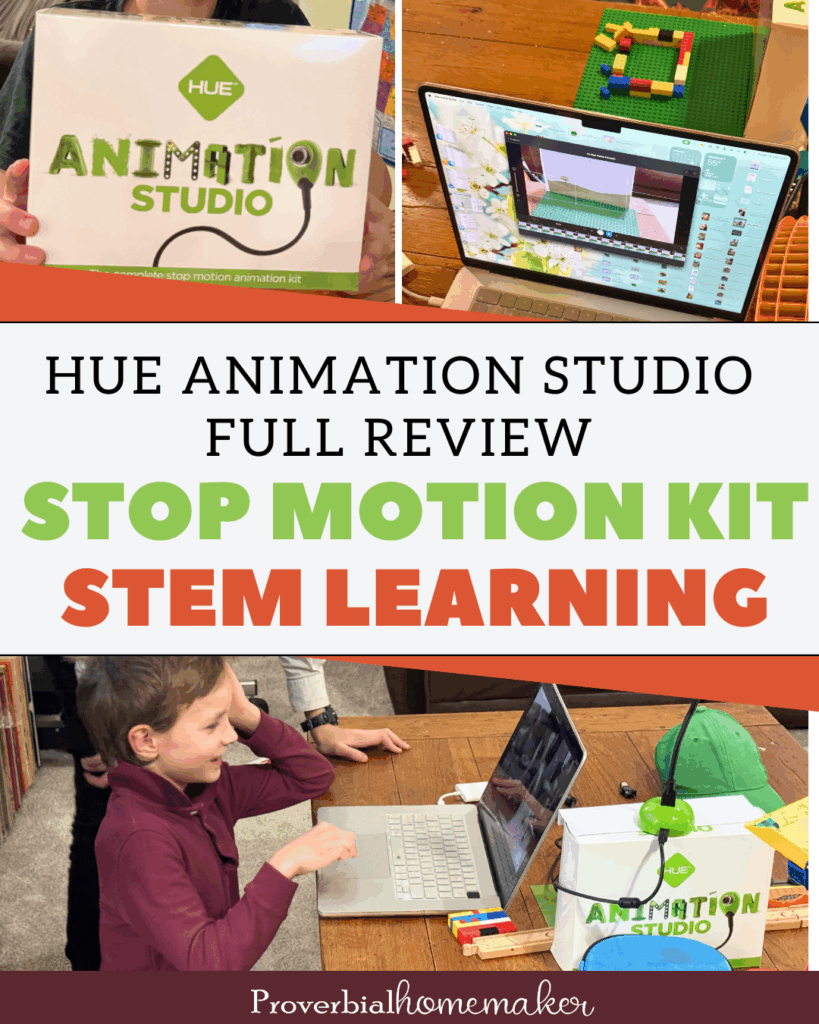
HUE Animation Studio Review: A Hands-On Stop Motion Kit for STEM Learning

My three youngest boys are incredibly active and creative. We try to fill our house with engaging open-ended toys and activities that feed that imagination of theirs.
However, being kids, they still gravitate toward mindless screen time. So, I’m always on the lookout for resources that encourage them to create, think, and problem-solve, rather than simply consume content.
Disclosure: *This post may include affiliate links. As an affiliate, I earn from qualifying purchases. Read the disclosures and terms for more information.
(This is a sponsored post. All opinions are my own.)
They were SO excited when I pulled HUE Animation Studio out of my bag of tricks for them on one soggy Pacific NW morning. They had played with stop motion a bit before, but this was next level and they were ready to go.
If you’re a homeschool family or co-op, or you’re looking to foster creativity and STEM learning with your kids, you’ve got to check this out!
What Is the HUE Animation Studio?
The HUE Animation Studio is a complete stop motion animation kit. Rather than piecing together separate tools, software, and instructions, everything needed to get started is included in one box. (Saves this busy mama the time and energy!)
HUE Animation Studio is designed specifically for kids with education and creativity in mind. It is a physical, hands-on kit that encourages planning, patience, creativity, and experimentation, which are all skills we value deeply in homeschooling.
You’ll find HUE Animation Studio available directly from HUE and on Amazon, making it easy to purchase depending on your preference.
What’s Included in the HUE Animation Studio Kit
Everything your kids need to get started with stop motion animation is in this one kit. Here’s what’s included:
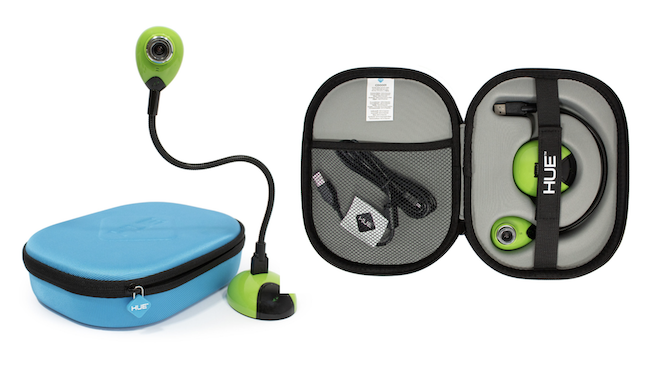
- HUE HD USB camera with integrated microphone
- Stop motion animation software (Windows & macOS)
- 64-page full-color animation guidebook
- Mini stage with background built into the box
- Downloadable backgrounds, cutouts, and more
- Durable, shockproof storage case with organizing pocket
- 3-year manufacturer’s warranty and customer support
What Kinds of Projects Can Kids Do?
“But my kids can do basic stop motion now with what we have.” I hear you, but HUE Animation Studio is so much more than just basic stop motion animation.
Kids can do a variety of projects such as
- Stop motion movies using toys, figures, or household objects
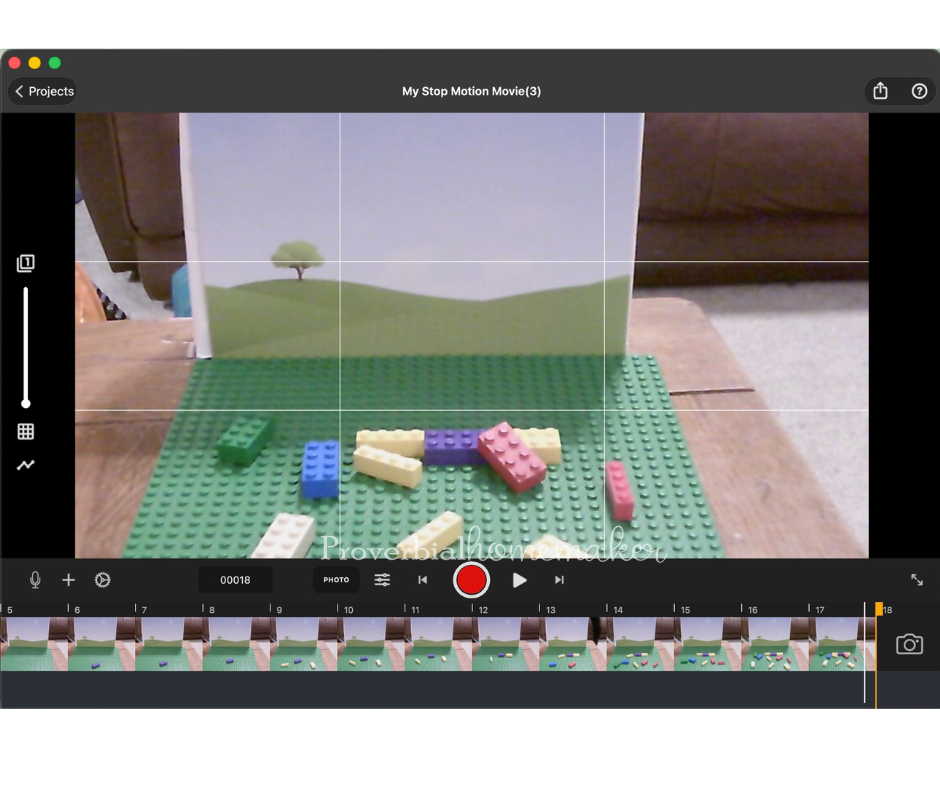
- LEGO brickfilms, animating builds, vehicles, and characters
- Claymation with simple clay figures and scenes
- 2D cut-out animations using paper characters or printable backgrounds
- Time-lapse videos, such as plants growing, art projects, or experiments
- Narrated stories, adding voiceovers, music, and sound effects
HUE Animation Studio also has some fantastic features that my boys really loved. It helped them to have more control and creativity over their projects. Here are a few:
- Manual focus ring & flexible camera neck for crisp close-ups and precise framing
- Built-in microphone with noise reduction for clearer voiceovers and sound
- Onion skinning to help kids create smooth, professional-looking motion
- Green screen (chroma key) for imaginative backgrounds and special effects
- Time-lapse mode for projects like plant growth or experiments
- Built-in sound effects and music plus the ability to record custom audio
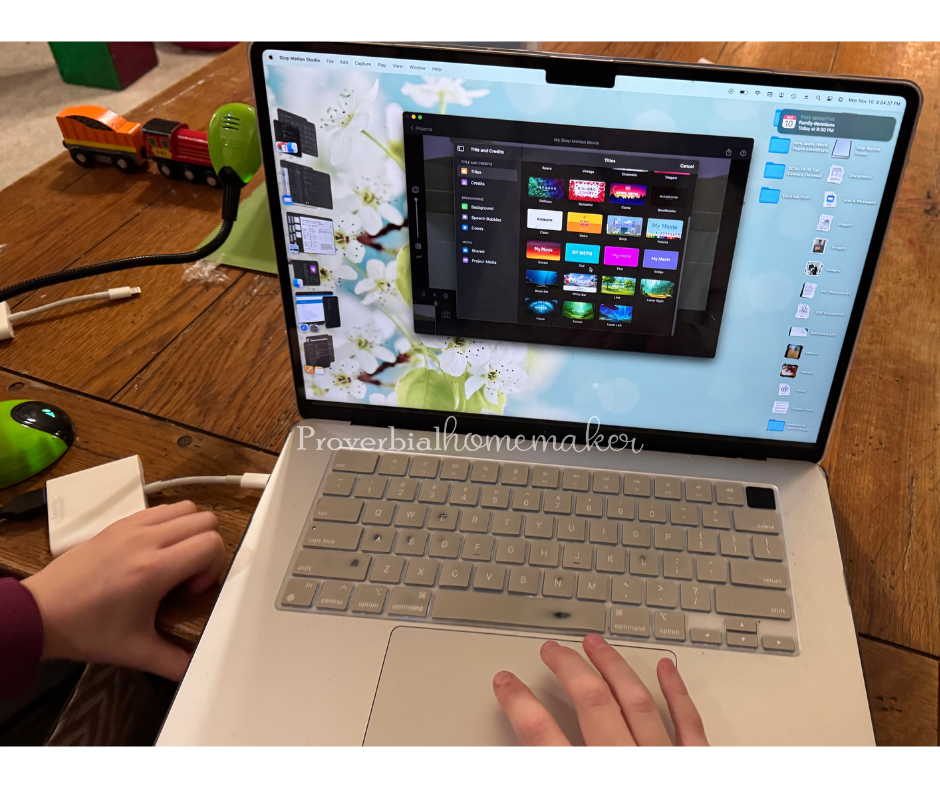
- Text and visual effects tools for titles and storytelling
- High-quality HD USB camera that also works as a webcam or document camera
- Printable backgrounds to support project-based learning
Educational Value for Homeschoolers
This is not just a fun activity, although it makes a great gift! The HUE Animation Studio has great educational value, too. They’ll learn:
- Creative storytelling and narrative structure
- Planning, sequencing, and problem-solving
- Technology literacy
- Fine motor skills
- Collaboration and communication
It works well for boys and girls of a wide age range, and both your techy kids and your artsy kids will love making projects with it. For homeschooling, it’s a perfect “Fun Friday” activity or something you can put in a rotation for STEM learning all year.
Ease of Use & Age Range
- Software compatibility (MacOS & Windows)
- Easy registration and setup
- Ages 7+ can us it independently, younger kids can participate with parent or sibling help
- Quick start — kids can begin creating right away and then dig into the special features and supplemental resources
Note: If you use a Mac like I do you may need an adapter. You can find details on system requirements here.
How We Used the HUE Animation Studio in Our Homeschool
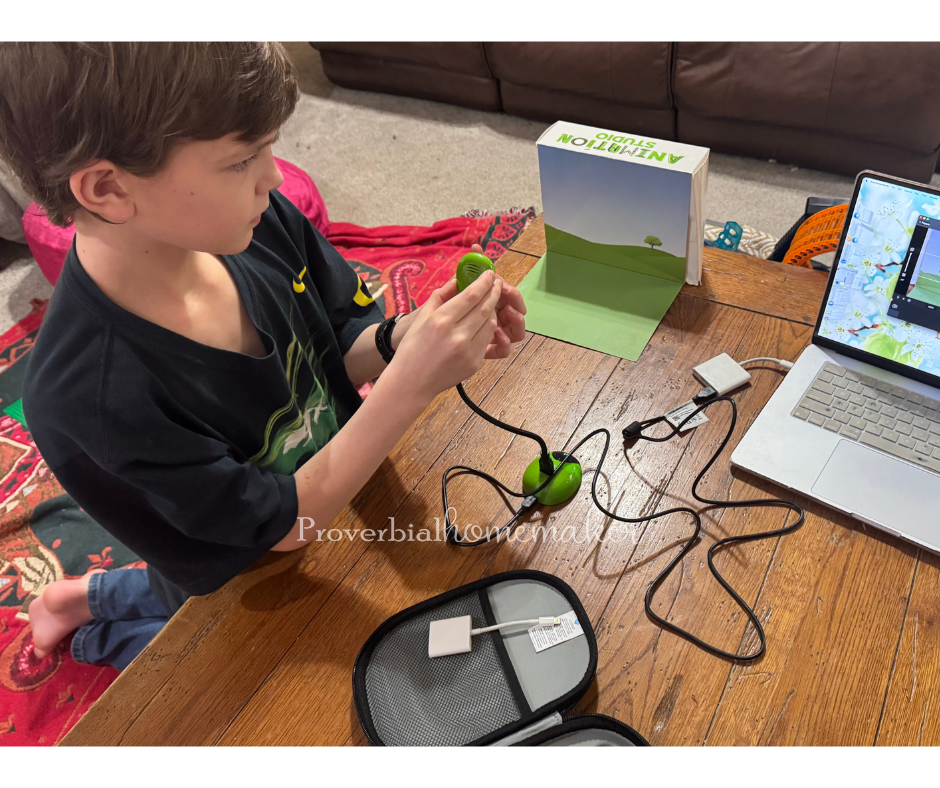
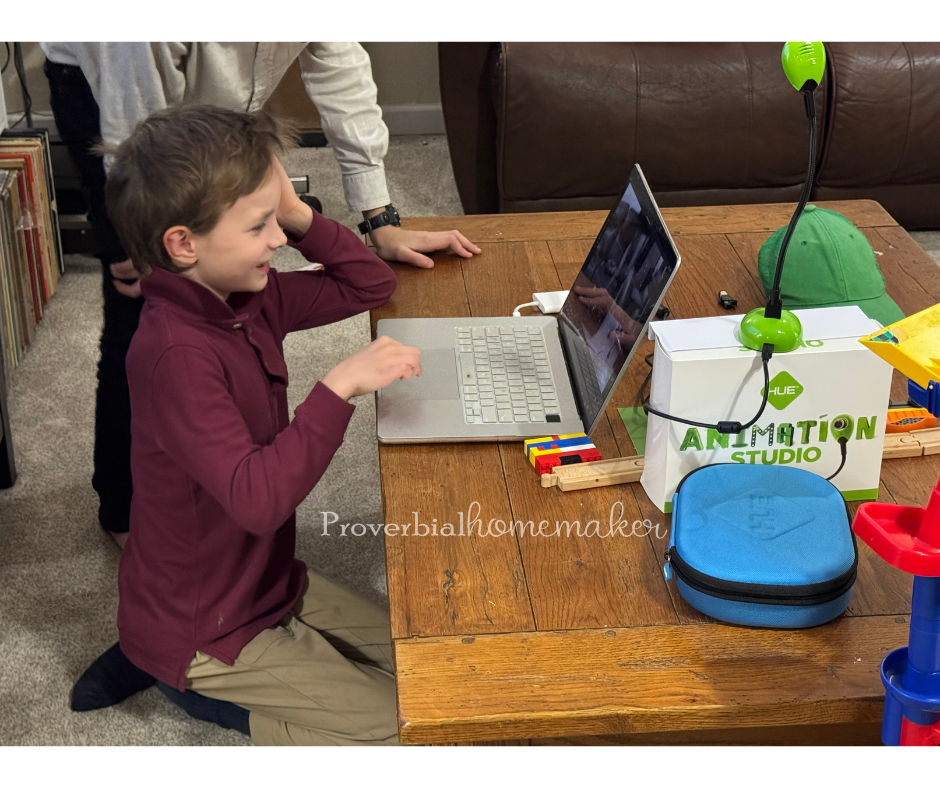
The boys and I took a couple of hours one day to get HUE Animation Studio set up and create their first projects. We played with the features that were immediately obvious and then they spent much of the day making creations.
- Playdoh animations – My youngest enjoyed using playdoh most, and created some funny videos with props he designed himself.
- Lego “movies” – The other two boys spent most of their time doing little Lego animations as well as full stories. One kiddo re-created the scene of Paul and Silas being freed from jail by a great earthquake.
- Flying kids – They realized that they could do stop motion animation of themselves jumping through the hallway and make it look like they were flying. Lol! Whole days spent on that.
Then I’d start showing them specific features and add-ons that they could incorporate, such as importing audio, using the sound effects, trying out time lapse, etc. We also pulled ideas and projects from the accompanying book to try out. This was great because it kept them interested and learning new things.
Pros and Things to Consider
Every resources has pros and cons to consider, so let’s have a run-down of those if you’re on the fence:
Pros
- Complete kit with lots of great extras and special features
- Easy for kids to use (especially independent for ages 7+)
- Great for gift-giving or in your homeschool
- High-quality camera and software
- Encourages creativity and problem-solving
- Works on both MacOS and Windows
- Warranty and support provided
Things to Consider
- Requires a computer/laptop (however, it’s compatible with the Stop Motion Studio app for phones and tablets — Android and iOS)
- Works best with some table or workspace setup
- Younger children need guidance
Who I Recommend This For
- Homeschool families looking for creative STEM tools
- Kids who enjoy building, storytelling, or art
- Co-ops, makerspaces, and clubs
- Parents wanting screen time that leads to creation, not consumption
Final Thoughts
Overall, I think HUE Animation Studio is a solid choice for families for a gift idea or a homeschool STEM activity. It emphasizes imagination, collaboration, problem-solving, and more. I love that it has so much to explore (not just a 1-hit wonder for activities) and helps kids get creative!
Learn more about HUE Animation Studio and enjoy the fun!